
Calculator
Calculate. Copy. Done.
Run quick calculations without leaving your page, reuse past results instantly, and keep your workflow moving.
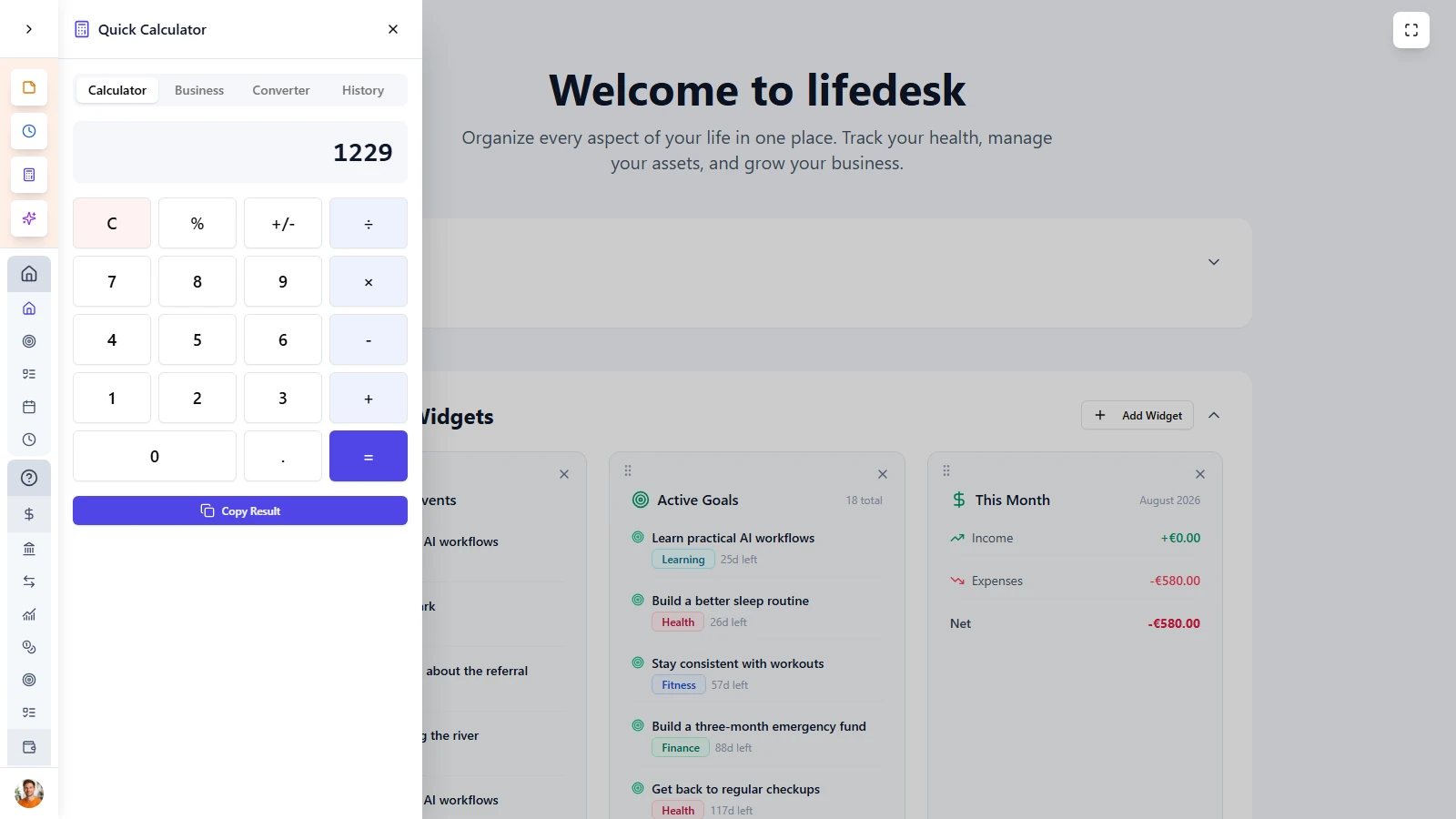
Do quick math without
breaking your flow
LifeDesk Calculator is built for speed inside real work. Open it instantly, calculate what you need, copy the result, and continue without switching apps or losing context.
- Open the calculator instantly from anywhere in LifeDesk
- Keep your current page visible while you work
- Run quick calculations without switching apps
- Copy results directly into the next step of your workflow
MAIN FEATURES
A calculator that
works the way you work
Fast access, full expressions, saved history, and instant copy make the LifeDesk Calculator much more useful than a basic calculator app.
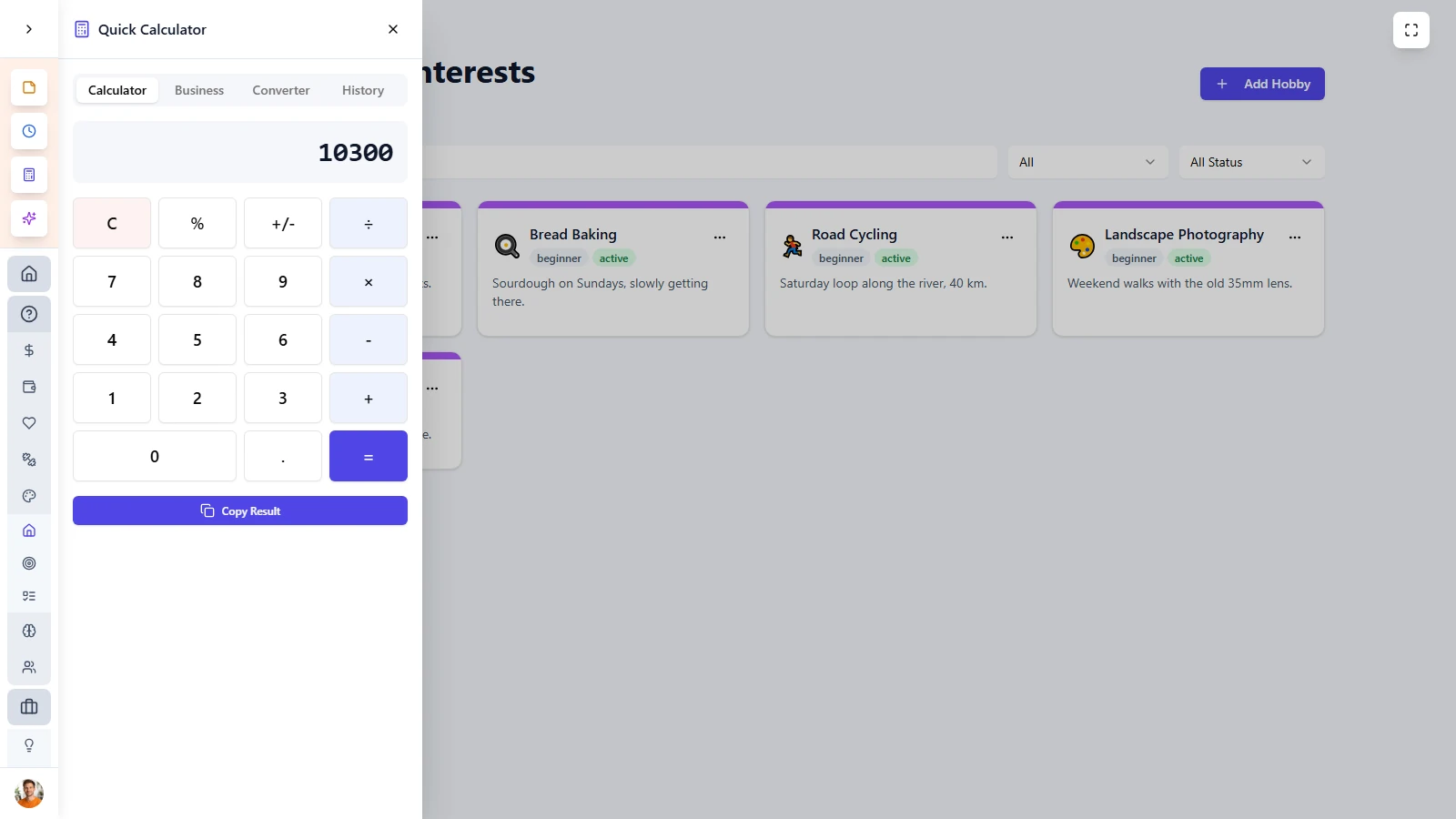
Instant access
Open the calculator with one click or a keyboard shortcut and use it in a side panel without leaving the page you are on.
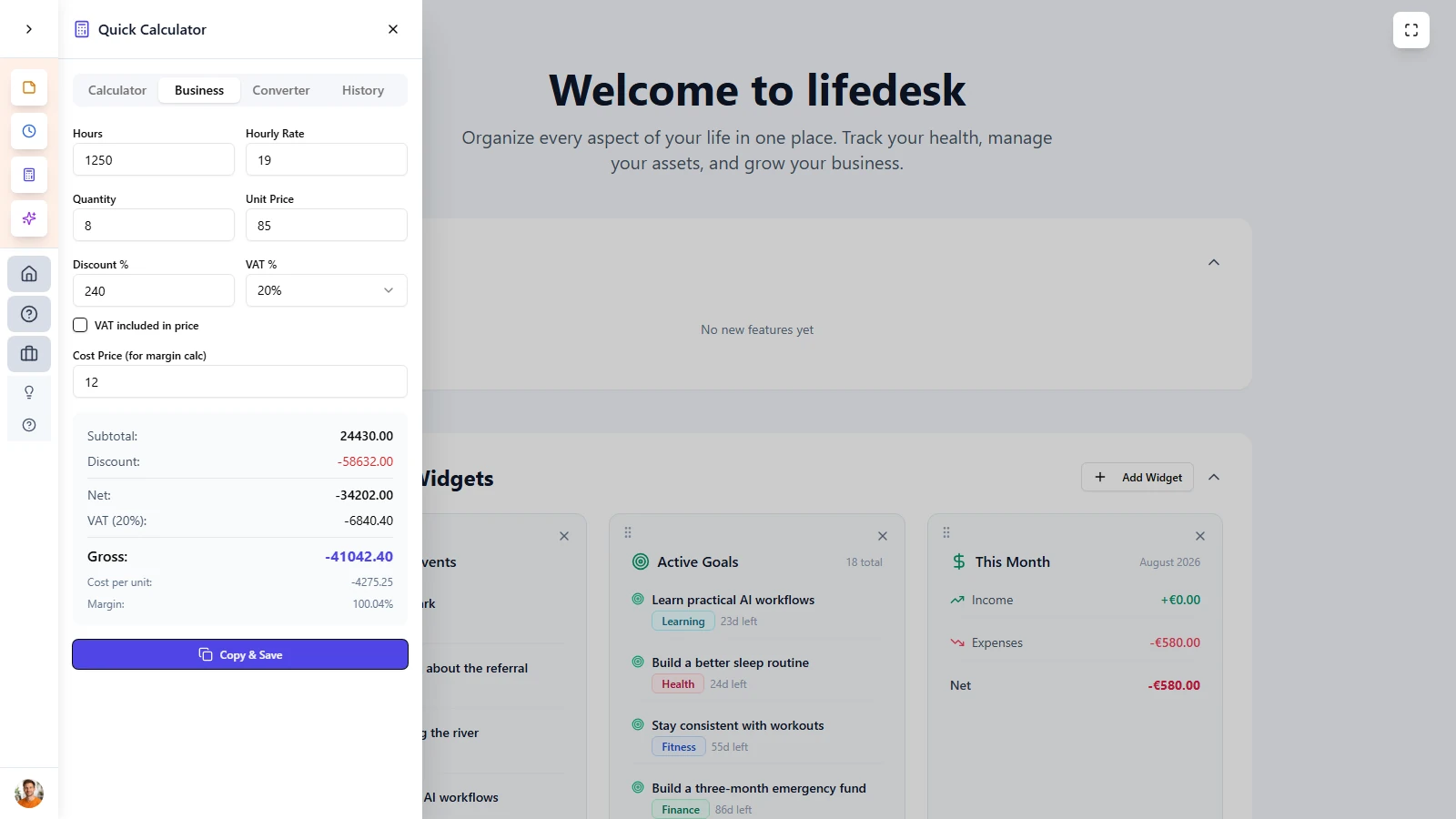
Business calculations
Calculate more than simple sums with percentages, decimals, parentheses, and multi-step formulas in one input.
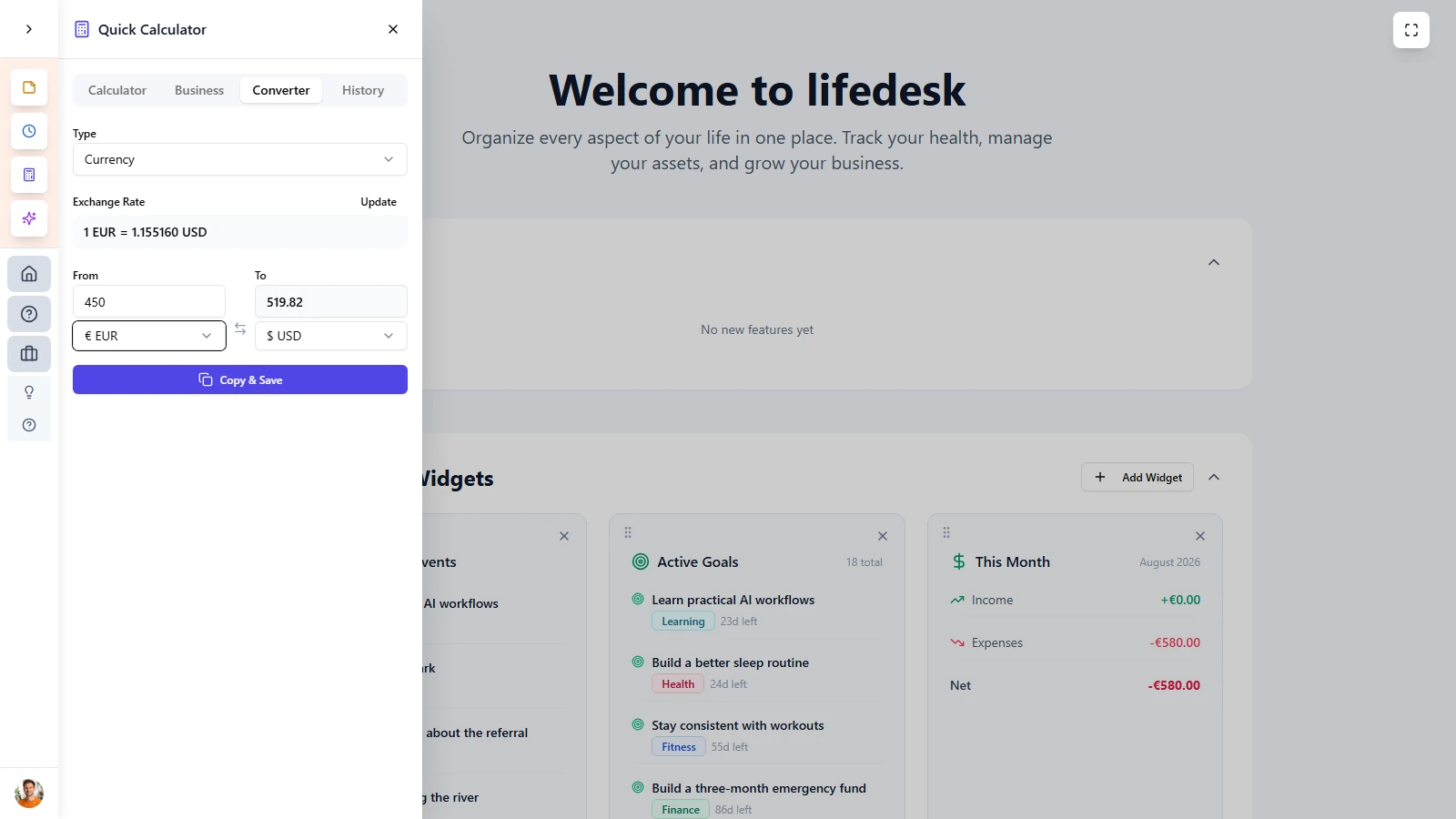
Converter
Convert currencies, time, data, distance, and weight directly inside LifeDesk without opening another tool.
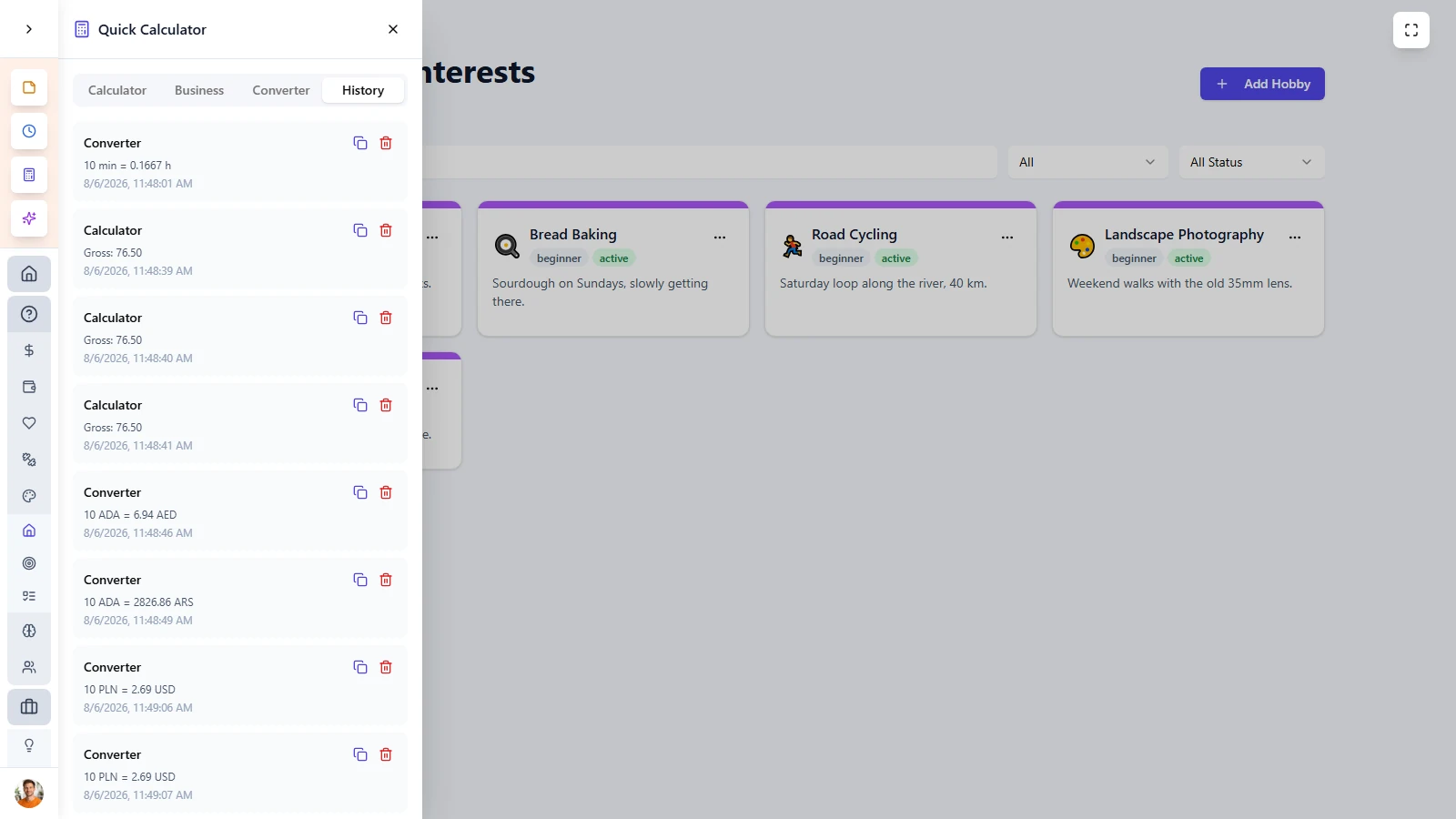
Calculation history
Every calculation is saved automatically, so you can scroll back, review earlier results, and reload any number with one click.
Almost everybody
Who is
Calculator for?
Finance users
Calculate expense splits, tax estimates, totals, and quick projections without leaving your finance workflow.
Budget planners
Freelancers and business owners
Anyone who wants less friction
Calculator is built for people who need fast, accurate math while already working inside another task, form, or planning workflow.
ADVANTAGES
More speed,
less context switching.
LifeDesk Calculator keeps calculations inside your real workflow, so numbers stay usable instead of becoming another interruption.
- Calculate directly inside the page you are already using
- Reuse previous results through saved history
- Copy numbers instantly without manual retyping
- Handle complex formulas faster than a basic calculator
- Keep your workflow moving with less friction

GET STARTED TODAY
Ready to take control
of your life?
Join LifeDesk to organize your life, track goals, and grow your business — all in one place.
Free forever · No credit card required · Web, iOS & Android
FAQ
Frequently asked questions
Get clear answers about how Calculator works in LifeDesk and why it is faster than switching to another calculator app.