
Notes

Your notes,
always within reach

Capture thoughts, meeting notes, checklists, and ideas instantly — without leaving what you are doing.
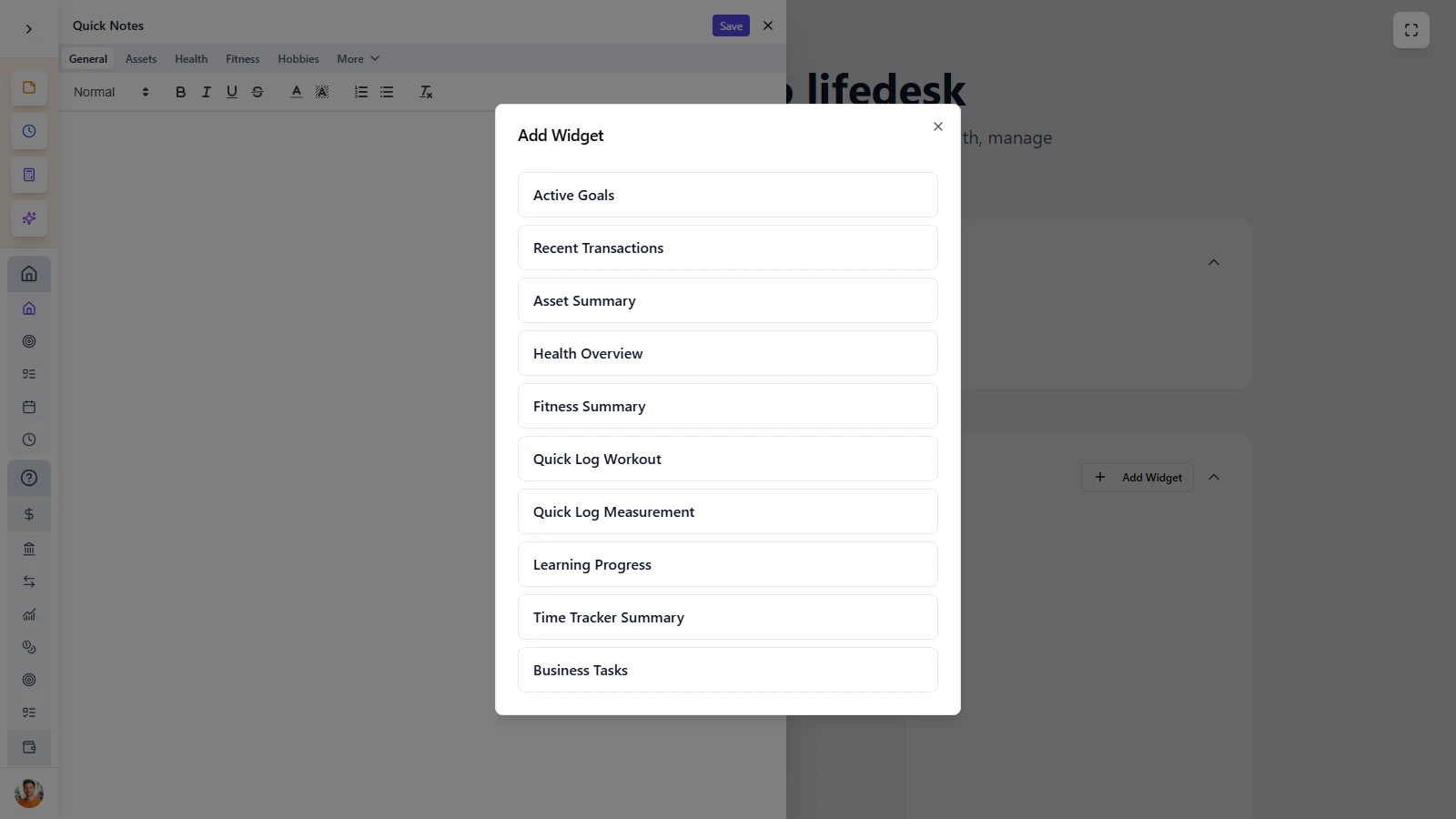
Write it down without
breaking your flow

LifeDesk Notes is built for speed and context. Open it from anywhere in the app, write what matters, and keep moving without switching pages or losing focus.


  • Open notes instantly from anywhere in LifeDesk
  • Keep your current page visible while writing
  • Capture ideas, summaries, and lists with zero friction
  • Stay in control with one connected finance system

MAIN FEATURES

A faster way
to keep notes organized

Notes stays lightweight and fast while giving every part of your life and business its own dedicated writing space.

Always one click away

Open Notes instantly from the Quick Tools toolbar or with a keyboard shortcut, so ideas never get lost while you are working.

Organized by life area

Keep separate notes for finance, health, fitness, learning, relationships, hobbies, and each business you manage.

Rich text editing

Write with headings, lists, formatting, quotes, and structured notes instead of being limited to a plain text box.

Auto-save and sync

Everything saves automatically as you type and stays available across sessions and devices in your LifeDesk account.

Almost everybody

Who is
Notes for?

Busy professionals

Capture thoughts, meeting notes, and next steps instantly without switching away from your work.

Freelancers and business owners

Keep context-rich notes per business, client, and work area without juggling separate note apps.

Learners and students

Build structured notes for books, courses, and skills in the same system where your goals and tasks already live.

People who want less app switching

Replace scattered note-taking habits with one fast scratchpad built directly into your life and business system.

Notes is built for people who need a fast, reliable place to capture information without interrupting their workflow.

ADVANTAGES

More context,
less app switching

LifeDesk Notes keeps your writing connected to the part of life or business where it actually belongs.


  • Take notes without leaving your current workflow
  • Keep one dedicated note per life area or business
  • Use rich text formatting without added complexity
  • Save automatically with no extra clicks
  • Replace an external note app with something built into your system

Get started today

Ready to take control
of your life?

Join LifeDesk to organize your life, track goals, and grow your business — all in one place.

Free forever · No credit card required · Web, iOS & Android

FAQ

Frequently asked questions

Get clear answers about how Notes works in LifeDesk and why it is faster than using a separate note app.

What is Notes in LifeDesk?

Notes is a built-in side panel that opens instantly from anywhere in the app, letting you capture and access notes without changing pages.

How are notes organized?

Notes are organized by life area and business, so each part of your life has its own dedicated writing space instead of one cluttered notebook.

Does Notes save automatically?

Yes. Notes save automatically as you type, so there is no need for a save button and less risk of losing what you wrote.

Can I use formatting in my notes?

Yes. LifeDesk Notes supports rich text formatting such as headings, lists, bold text, quotes, and more for clearer note structure.

Can I access my notes on different devices?

Yes. Your notes are synced to your LifeDesk account, so they stay available whenever you log in from another device.

Why use LifeDesk Notes instead of a separate note app?

Because Notes is always available in context. You do not need to switch apps, search for the right notebook, or lose your place in the workflow.

Who benefits most from Notes?

Notes is especially useful for freelancers, learners, planners, and anyone who regularly needs to capture thoughts, summaries, or reminders quickly.

Can I keep separate notes for business and personal life?

Yes. Each life area and each business has its own note, which keeps information focused and easier to find.