Use a calendar for anything that happens at a specific time, and a to-do list for anything that only needs to happen eventually. Most people get stuck when they ask one tool to do the other’s job. A list can’t tell you whether Tuesday has room for a task, and a...
Mood and energy tracking means logging, a few times a day, how you feel and how much fuel you have, then reading the entries for patterns. Do it in 10 to 20 seconds per entry, 3 to 4 times a day, for two weeks. Add one line of context (what you were doing), and you...
A good personal dashboard is one screen that answers the few questions you ask yourself every day: What is next? Am I on track? What needs me right now? You set it up by choosing 4 to 6 widgets, arranging them in four zones, and deleting everything that does not earn...
Daily metrics tracking means watching a few current, high-frequency numbers that warn you early and let you correct course. Start by choosing a key performance question, then pick a small set of daily measures that answer it, such as time on priority tasks, completed...
Design daily boundaries, protect deep work, and run weekly reviews: that combination does more for sustainable balance than any single trick. Expect steadier energy and less burnout drift once boundaries are in place, and you can start today by picking one boundary (a...
Use time blocking for sustained deep work on a single project, and use task batching to group shallow, repeatable tasks into one focused session. Both methods solve the same underlying problem, which is constant context switching, but they solve it differently, and...
Open a dedicated business bank account and route every bit of business income there, right from the start. Pair it with a business credit card and standalone bookkeeping, and pay yourself through documented draws or payroll instead of pulling cash whenever you need...
Plan 2026 by picking 3 to 5 annual priorities, writing an if-then plan for each using mental contrasting, converting every priority into tracked projects and milestones, and running quarterly plus weekly reviews inside one integrated planner. This approach keeps...
Founders should track three things first: deep work hours, personal well-being basics like sleep and movement, and a weekly review. Start with one to three habits, log them in under 60 seconds each morning, and treat the data as a business input rather than a personal...
Digital minimalism for work means using only the tools and notifications that earn a place in your day, so attention goes to the tasks that matter. The single fastest move is to protect a scheduled focus block on your calendar and mute every nonessential notification...
Kanban vs List: Which Fits Your Work?
Use a list when your tasks are short, independent and mostly done in one sitting. Use a Kanban board when work passes through stages, when several things are in progress at once, or when you keep losing track of what is stuck. Most people need both: a list for capturing and sorting, a board for anything that moves through a process.
The rest of this guide shows where each tool breaks down, how to decide in about two minutes, and how to run a hybrid without building a second job out of your system.
LifeDesk
Keep Work and Life in View
LifeDesk brings tasks, goals, calendars and business organization together, helping you structure personal and professional responsibilities in one place.
A task list is a flat, linear collection of items. You write things down, you tick them off. According to Arda’s explanation of Kanban boards, the difference is that a board adds workflow stages as columns and work-in-progress limits, so you can see the process and manage flow, not just the pile.
That simplicity is the list’s strength:
Zero setup. You can start in ten seconds on paper or in any app.
Easy to sort. You can order by priority, due date or effort.
Low upkeep. There is nothing to move, only to check off.
Great for one-step tasks. “Book dentist” does not have stages.
The weak point shows up when a list grows past what you can hold in your head. Every item looks the same. “Send invoice” sits next to “Rewrite website,” and nothing tells you that one is waiting on a client while the other has not been started. You scan 40 lines every morning and still feel unsure what matters. A list shows the whole backlog but hides the state of each item.
Typical signs your list is failing:
You re-read the same items daily and feel no progress.
Tasks sit for weeks because they are waiting on someone else, and you cannot tell.
You start many things and finish few.
You forget follow-ups because nothing marks them as “waiting.”
If two or more of these sound familiar, the problem is probably not discipline. It is the format.
What a Kanban board adds
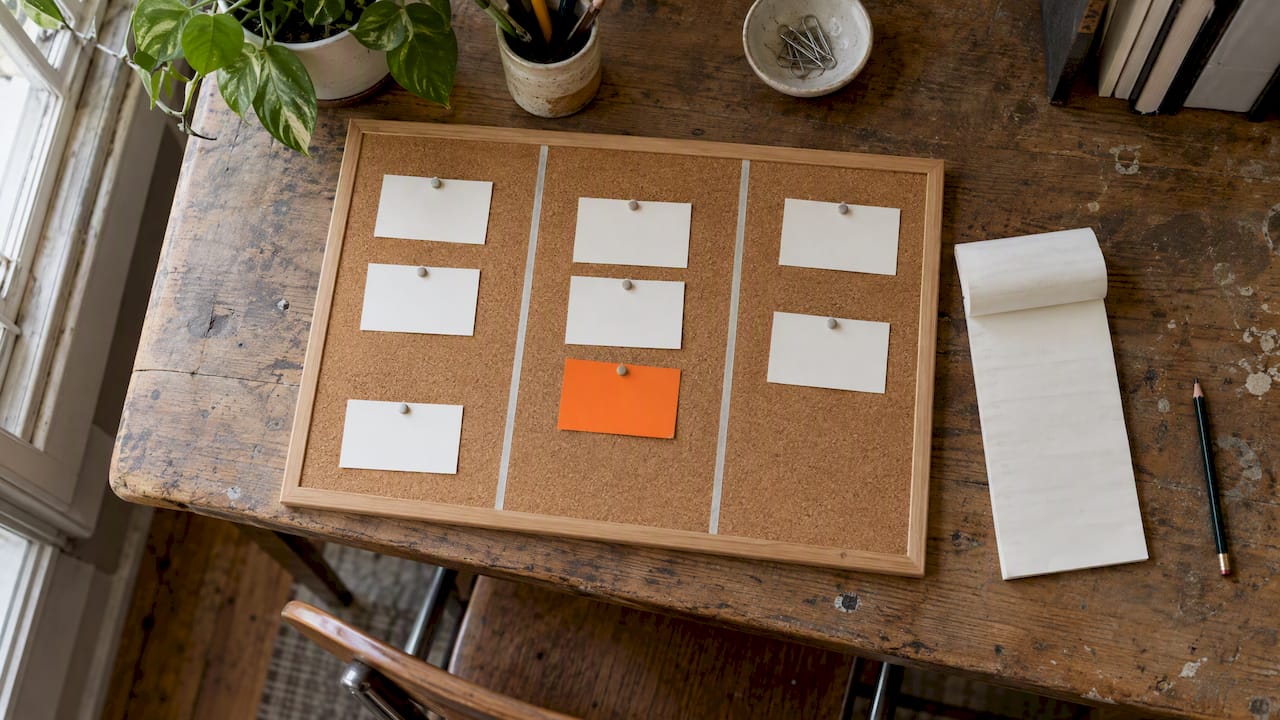
A Kanban board lays work out in columns that represent stages. The simplest version has three: Backlog, Doing and Done, which is the example used in the Lean Enterprise Institute’s introduction to Personal Kanban. Cards move left to right as the work progresses.
Two ideas make the board more than a prettier list.
Visible workflow
The Kanban Guide describes defining a workflow by identifying the work items, where they start and end, and the explicit policies for how they flow, as laid out in the Kanban Guide (May 2025). For a freelancer that might be as plain as: Idea, Drafting, Waiting for client, Revising, Delivered, Invoiced. Once the stages are written down, “stuck” becomes visible: a pile of cards in “Waiting for client” is a prompt to send a nudge.
Limits on work in progress
The second idea is a cap. Kanban University’s official guide explains that Kanban limits work in progress by setting a maximum number of items allowed at a time, and that effective systems put the flow of work ahead of keeping everyone busy, because full utilization often produces poor flow and bottlenecks.
The Lean Enterprise Institute article on Personal Kanban boils it down to two rules for individuals: make your work visible, and limit how much you are doing at once. The argument is that you cannot manage what you cannot see and cannot process more work than your capacity allows.
Use these tests. One “yes” is a hint, two is a reason to switch.
1. Does the work have stages? A blog post goes from idea to outline to draft to edit to published. A client project goes from proposal to kickoff to delivery to invoice. Anything with a repeatable path suits a board. A grocery run does not.
2. Do you have more than a handful of things in flight? Once you are juggling five to ten active items, a list stops telling you what is actually moving.
3. Do you wait on other people? Clients, reviewers, suppliers, accountants. Waiting items are invisible on a list and obvious on a board.
4. Do you feel busy but unproductive? That is the symptom WIP limits address. Capping what is “Doing” forces you to finish before starting.
5. Do you need to explain status to someone else? A board is a status report you do not have to write. A client or collaborator can understand it in seconds.
6. Is the work recurring? If you repeat the same process for every client or every issue of a newsletter, the columns stay stable and the board pays back its setup time quickly.
When a list is the better choice
The tasks are independent and take under an hour.
You need to capture ideas quickly and sort them later.
The list is short, say fewer than 15 items.
You are planning a single event, trip or move with a simple checklist.
The thing you need is a deadline reminder, not a process view. A calendar does that better than either format.
One honest caveat: boards are not free. Forbes Advisor’s overview of Kanban boards names flexibility, a global view of the project, work-in-progress management and bottleneck detection as advantages, and also lists lack of structure, scope creep, the need for continual management and weaker forecasting than predictive methods as downsides. If your work is simple, that upkeep is a cost with no return.
A worked example: one freelancer, two systems
Take a freelance designer with six active clients.
On a list, her week looks like this: “Logo revisions for A,” “Send proposal to B,” “Chase payment from C,” “Moodboard for D,” “Invoice E,” “Update portfolio,” “Buy printer ink,” and 20 more lines. Every morning she re-reads it and picks whatever feels urgent. Two things slip: the proposal waiting on feedback and an invoice she forgot to send.
On a board, the columns are: Leads, Proposal sent, In progress, Waiting on client, Ready to invoice, Paid. She sets a limit of three cards in “In progress.” Now the picture is different. Two cards in “Waiting on client” mean two follow-up emails. One card in “Ready to invoice” is money she has earned but not requested. The limit stops her opening a fourth project before finishing one.
She still keeps a plain list for “Buy printer ink,” “Update portfolio” and other loose tasks. That is the hybrid most solo workers end up with, and it is not a compromise. Each format does the job it is good at.
How to start with Kanban in an afternoon
You do not need special software. The Lean Enterprise Institute describes starting with a visible board such as a whiteboard. Here is a minimal path:
Dump your open work. Write every project or multi-step task on its own card. Leave errands off.
Start with three columns. Backlog, Doing, Done. Add more only when you feel a real need, for example a “Waiting” column.
Set a WIP limit. For one person, two or three cards in Doing is a sensible starting point. Adjust after a week.
Pull, do not push. When a card finishes, pick the next one from Backlog. Do not start new work just because you have energy.
Review weekly. Look at where cards pile up. That column is your bottleneck.
Edit the columns. Agile Sherpas notes that the best boards are never truly done and should evolve as you learn. If a column never gets used, delete it.
The most common mistake is overbuilding early: ten columns, color codes and labels before you have moved a single card. Start small and let real friction tell you what to add.
Tracking a pipeline is a natural fit
Any pipeline of items moving through stages benefits from this view. Even something as ordinary as tracking job applications in a spreadsheet is, in effect, a status column that moves items from applied to interview to offer. Once you notice that pattern, you see it everywhere in freelance work: leads, proposals, deliverables, invoices.
Is Kanban a type of Agile?
Kanban is commonly used within Agile ways of working, and it came from lean manufacturing before software teams adopted it. In practice, though, the method stands on its own: you can run a board for personal tasks with no sprints, standups or team at all. Agile and Scrum add roles, timeboxes and ceremonies; a personal Kanban board needs none of that. The current Kanban Guide defines the method through its workflow, policies and flow measures, such as a Service Level Expectation, which forecasts how long an item should take based on historical cycle time.
For a solo worker, you can ignore the methodology debate. What you need is visible work and a cap on how much you do at once.
Where each format fits next to your calendar and goals
Both lists and boards answer “what” and “what state.” Neither answers “when.” That is the calendar’s job, and mixing the three is where most solo systems either click or collapse.
A workable division of labor:
Goals say why the work matters this quarter.
Projects (a board or a project view) hold the multi-stage work that serves those goals.
Task lists hold the small actions and the capture inbox.
The calendar holds what is scheduled: meetings, deadlines and blocks of focused time.
The real cost of a split system is not the formats, it is the fragmentation. A list in one app, a board in another, goals in a notebook and finances in a spreadsheet means you spend your energy syncing instead of working.
LifeDesk is built for people who carry personal and professional responsibilities at once. It brings tasks, goals, calendar, projects, finances and more into one app for web, iOS and Android, with separate but accessible views for private and business life. You can look at how tasks and goals work together, how projects are handled for freelancers and small businesses, and how business tasks and goals stay apart from your personal ones.
There is a free plan at $0 per month, Plus at $9 per month and Pro at $19 per month; see the pricing page for what each includes, including the AI assistant and bank account connections on paid plans.
Common objections
“A board is overkill for me.” Possibly. If your work is mostly one-step tasks, stay with a list. The test is whether work has stages and whether things stall.
“I tried Kanban and abandoned it.” The usual causes are too many columns, no WIP limit, and cards that are really vague wishes. Rebuild with three columns and a limit of two or three.
“I already use a calendar.” A calendar tells you when something is due. It does not tell you whether the draft is waiting on a client or has not started. The two complement each other.
“Does a board replace prioritizing?” No. You still decide what enters Backlog and what gets pulled next. The board makes the consequences of that choice visible.
A simple decision rule
Ask three questions about any piece of work:
Can I finish it in one go? Put it on a list.
Will it pass through two or more stages, or wait on someone? Put it on a board.
Does it have a date? Put it on the calendar too.
Review the board weekly and the list daily. If your list keeps growing with items that never get done, move the important ones onto a board and delete the rest. A smaller visible system beats a larger hidden one.
FAQ
Is Kanban better than a to-do list?
Neither is better in general. A to-do list is faster for simple, independent tasks, while Kanban is better when work moves through stages or you have many things open at once. Many people use a list for capture and a board for active projects.
What are the downsides of Kanban?
Boards need ongoing attention, and without WIP limits they can turn into an oversized list. Forbes Advisor also notes risks such as scope creep and weaker forecasting than predictive methods. For simple work, the upkeep may not be worth it.
How many cards should be in progress at once?
There is no universal number, because Kanban sets the limit to suit your capacity. For one person, two or three is a practical starting point. Watch whether things finish; if they stall, lower the limit.
Can I use Kanban for personal life, not just work?
Yes. Personal Kanban was designed for individuals, with the rules of making work visible and limiting work in process. It suits home projects, learning goals and side projects that have clear stages. Errands and routines are usually better on a list.
Do I need to know Scrum or Agile to use Kanban?
No. A personal board needs only columns, cards and a limit. Scrum adds sprints and roles that a solo worker does not need.